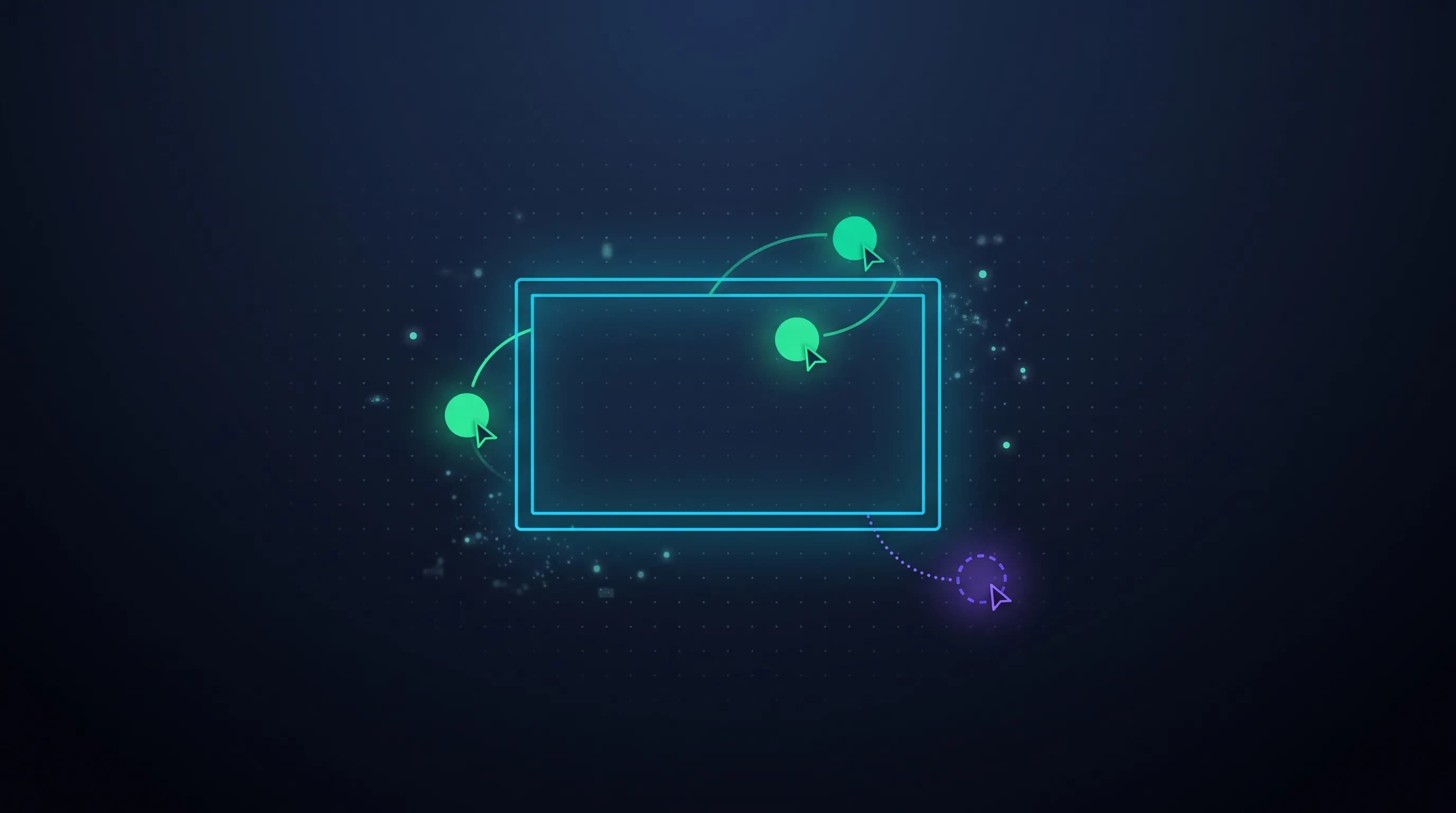
This week OpenAI dropped a full presentation editor inside ChatGPT: it's called ChatGPT Slides, already available for Pro, Business, and Enterprise accounts with Space access, and the headline isn't that it generates decks from a conversation — several tools already did that — but that now multiple people can edit the same deck at the same time, just like Google Slides, without leaving ChatGPT. It matters today because it moves OpenAI from "assistant that helps you write" to "full office suite living inside a chat", and because almost no marketing team or agency is thinking yet about what that means for their clients' confidential decks.
WHAT EXACTLY DID OPENAI LAUNCH
According to WebProNews reporting on OpenAI's launch notes, the rollout works like this:
- Available for Pro, Business, and Enterprise with Space access, both on web and desktop app — the rollout is gradual, so not all eligible accounts have it yet.
- A deck can start from a conversation, from files you already have, or from an outline — and you can share a presentation example so ChatGPT copies the style and layout.
- You edit text, images, shapes, and charts directly on the deck, or ask ChatGPT to make the changes for you, including generating new images.
- The presentation can be projected straight from ChatGPT, and exports to PowerPoint, PDF, or Google Slides from the web; on desktop you can open it directly in PowerPoint or Keynote if you have them installed.
None of these pieces is revolutionary on its own. What changes the game is that they all now live in the same place, with live co-editing included.
THIS ISN'T AN ISOLATED LAUNCH — IT'S A PATTERN
ChatGPT Slides didn't come out of nowhere. It's the fourth piece of a move OpenAI has been building since mid-year to get inside everyone's everyday office suite:
- ChatGPT for PowerPoint arrived as general availability add-in on July 6, 2026.
- ChatGPT in Word activated on September 23, 2026.
- Space and Pages, with enterprise-level sharing in opt-in preview, landed on September 29, 2026.
- And now, ChatGPT Slides, with real-time co-editing, closes the loop: documents, spreadsheets (via Pages), and presentations, all inside the same chat.
Put together, the message is clear: OpenAI no longer wants to be the assistant you open separately to generate a draft — it wants to be where your team works every day, competing head-to-head with Microsoft 365 and Google Workspace on their own ground.
A market that was already crowded
ChatGPT Slides isn't landing on empty ground either. Canva, Gamma, Tome, and Beautiful.ai were already offering AI deck generation for a while, and Google Slides and PowerPoint already have their own built-in assistants. ChatGPT Slides' difference isn't that it invents a new category — it's that it lives inside the tool millions of teams already use every day to research, write, and plan, without the user having to open a different app or think about which AI tool to use for each task. That one less friction point is probably the real competitive advantage.
THE ANGLE ALMOST NOBODY IS COVERING: SPEED VS. CONTROL
Building a sales deck in minutes sounds great until you think about what usually lives inside those decks: client pricing, campaign strategy, financial data, proposals that haven't been signed yet. The WebProNews article itself flags it plainly: Enterprise account admins will have to decide where sensitive decks live, who can see or edit them, and how information moves between ChatGPT and traditional office suites — and most teams still don't have a clear playbook for that.
The risk isn't new, it just changed shape
We've already seen this movie with "AI writes your document for you": drafts that come out fast but with made-up data, brand inconsistencies, or numbers nobody verified before sending to the client. Now the risk multiplies by the number of people editing the same file in real time — if someone on the team didn't check a fact carefully before another teammate saw it and approved it on the fly, the error becomes team consensus before anyone stops to question it.
There's a second layer almost nobody mentions: a client deck that's born, edited, and commented on inside ChatGPT stops living only in the Drive or SharePoint your agency controls. Until it's exported and archived in your agency's system, those real-time edit permissions depend on how whoever created the file set up Space access — not necessarily your company's data policy. For an agency working with brands that demand contractual confidentiality (NDAs, data handling clauses), that's not a small detail.
WHAT THIS MEANS FOR AGENCIES, DEVELOPERS, AND YOUR PRODUCT
If your agency is going to use ChatGPT Slides (or any AI deck generator) for client deliverables, here's what changes in your process, not your tool:
- Write down who can edit and who can only comment before inviting the whole team to co-edit — live co-editing doesn't replace thoughtful access control.
- Treat every number generated by AI as a draft, not a fact, until someone on your team verifies it against the original source — especially for pricing, timelines, or campaign performance data.
- Decide where the final file lives, not just how it gets made: a client deck that starts in ChatGPT and exports to PowerPoint can end up duplicated in three places with three different versions if nobody defines a single workflow.
- Separate draft speed from delivery speed. A deck coming together in ten minutes doesn't mean it's ready to send in ten minutes — visual and content QA is still a step you can't skip.
At Geek Vibes we build presentations for clients every day, and the rule we follow — generate fast, but never ship without a slide-by-slide visual review before it leaves our hands — doesn't change because the tool got faster. If your team is adopting this type of AI deck generator and wants a QA process that doesn't depend on whoever used it doing it right, write us at comercial@geekvibes.agency and let's talk about it.